Navigate to your Workday homepage and find the Personal icon on the lefthand side.
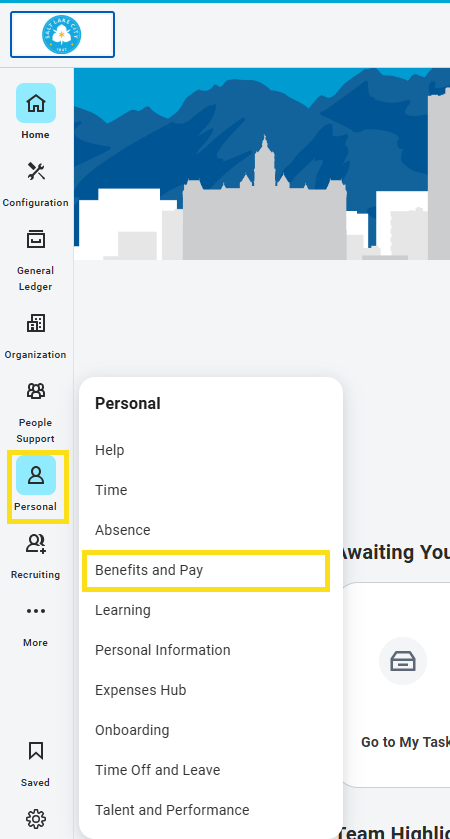
- Click on Benefits and Pay
- Click on Benefits
- Click on Dependents
- Click on the Edit button next to your dependent’s record
- In the Effective Date & Reason box, click on Reason
- Click on Change Dependent
- Click on Change Dependent > Correction
- Scroll Down to Identifier Information
- Under National IDs, click the Add button
- In the Country section, click on Search
- Click on Frequently Used
- Click on the United States of America radio button
- Click on National ID Type
- Click on the Social Security Number (SSN) radio button
- Enter the dependent’s social (do not enter anything other than the dependent’s social)
- Be sure the number is correct, once you click out, Workday obscures the number
with Xs for security purposes - Click the blue Submit button at the bottom of the page (you do not need to enter
comments or submit documents for this change)
Questions or having trouble?
Email us at [email protected] or call 801-535-6600 and press 1