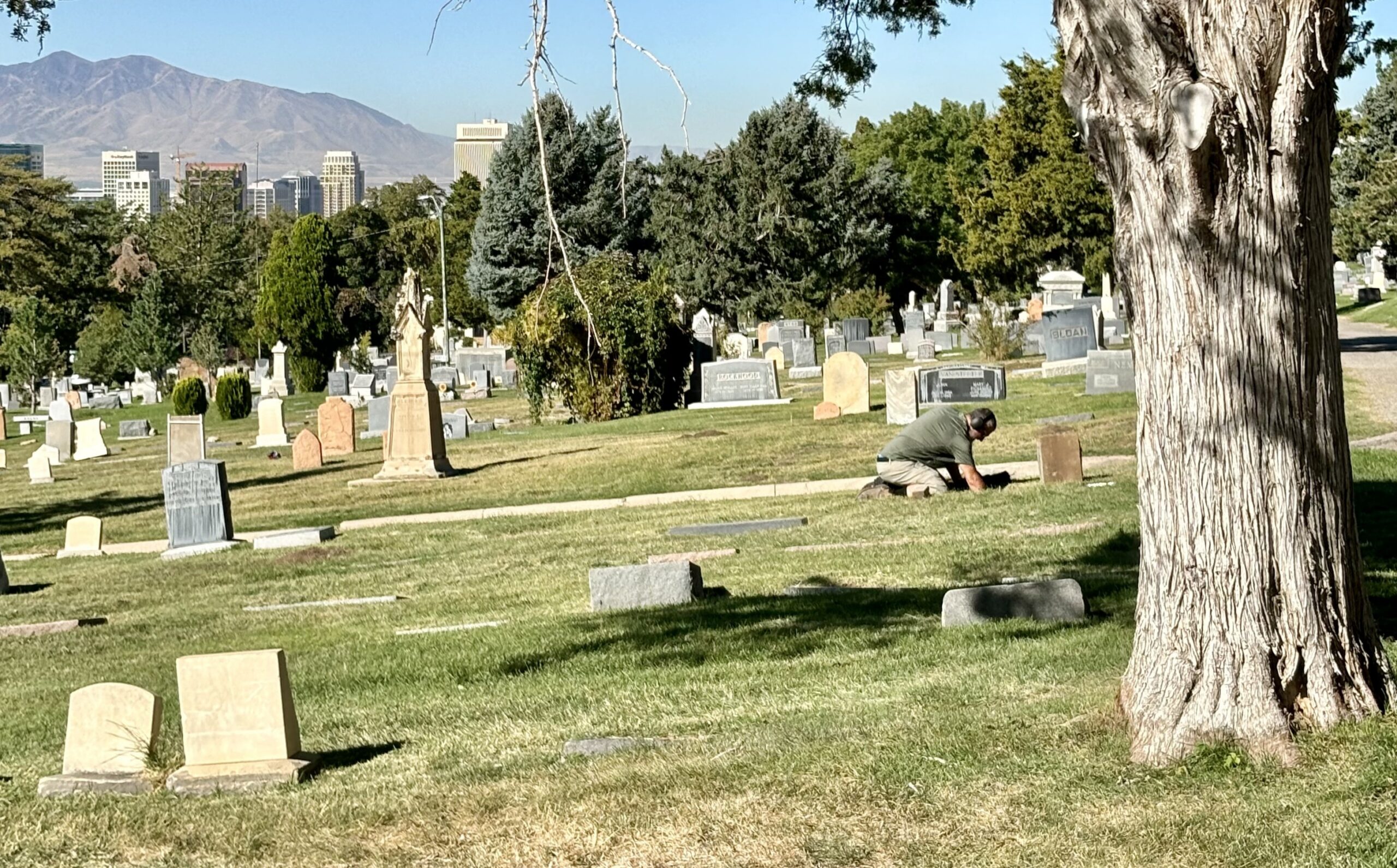
How to Find a Grave at the Salt Lake City Cemetery
Visiting a loved one at the Salt Lake City Cemetery is a little easier with the cemetery’s online “Find a Grave” map tool. Whether you’re visiting for Memorial Day, researching family history, or simply paying your respects, the interactive map can help guide you directly to a gravesite.
The tool works best on your phone while you’re physically in the cemetery, but you can also use it from home to preview directions and grave locations before your visit.
You can access the map here:
Salt Lake City Cemetery Find a Grave Tool
How to Use the Tool
- Open the map and tap the A—>B directions icon under the search bar.
- On the top line, select the location icon on the far right to find where you are in the cemetery. (Ensure that your location services are ON)
- Next, type the person’s name into the second line in this format: Last Name, First Name
- Choose the correct result from the list that appears.
- Tap Get Directions to generate a route.
- Switch directions from Driving to Walking for more precise navigation once you’re inside the cemetery.
We hope this helps make navigating the cemetery easy over the holiday weekend and beyond.